
Billing
Manage billing directly within the context of your research projects.
Nagano lets you group a project's billable items, prepare invoices and follow their progress without separating billing from the file that generated it.
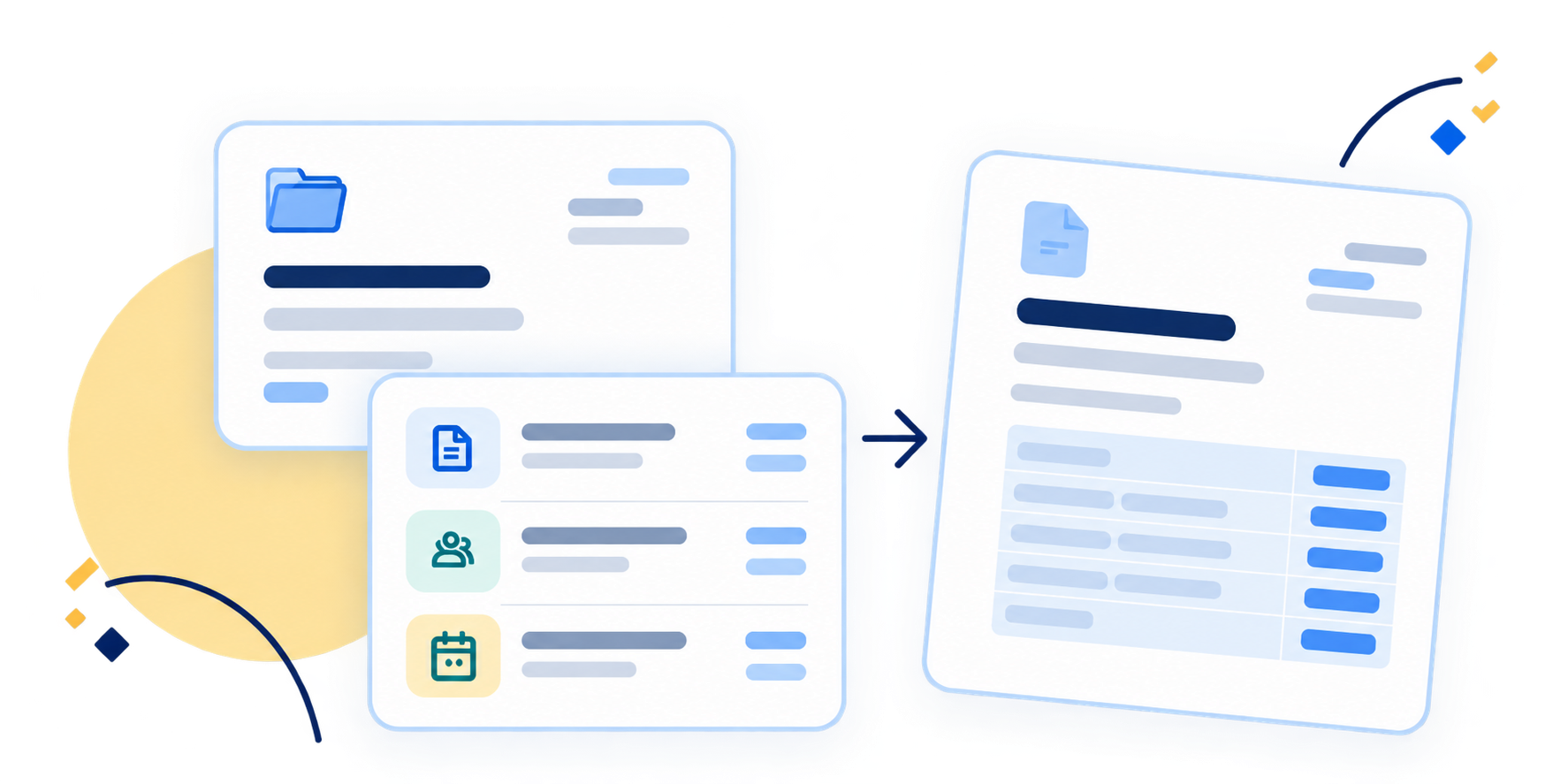
Fees tied to research processes
Project events can generate items to invoice.
Billing is not limited to a catalogue of services. Depending on the rules the institution configures, some events of the research process — an ethics review decision, a renewal — generate an item to invoice, attached to the project.
-
Project
The research file and its context.
-
Process event
A decision, a renewal, a processed form — or a manual addition.
-
Item to invoice
Attached to the project, pending billing.
-
Invoice
The selected items are grouped into it.
-
Generated document
The invoice produced from a template.
Pricing
Prices that can change over time.
Institutions can define their billable items, group them and update their prices. Changes can be scheduled in advance, while the prices that applied to earlier periods are kept.
-
Configurable billable items
The institution defines its own billable items, such as an ethics review.
-
Groupings
Billable items can be grouped so they are managed together.
-
Dated prices
Each price takes effect on a given date; an increase can be scheduled in advance.
How a price evolves
Ethics review
-
Earlier period
The price of the time is kept for its period.
-
Current price
In effect since its effective date.
-
Upcoming price
Scheduled in advance, it will apply from its date.
From billable items to the invoice
Group pending items into an invoice.
Nagano keeps billable items in the context of the project. Some come from the configured process; others are added manually.
Pending items are then selected and grouped into an invoice, when the institution chooses.
Items pending billing
Project 2026-1847
-
Initial ethics review Generated by the process
-
Annual renewal Generated by the process
-
Administrative fees Added manually
Grouped into an invoice
Fictional example, for illustration only.
Templates
Produce invoices consistent with your organization.
Invoice templates define the header, the content and the footer. Their variables are replaced with project and invoice data when the document is produced.
Invoice template
- Project
- {{project_number}}
- Protocol title
- {{protocol_title_fr}}
- Sponsor
- {{private_sponsor_name}}
- Billing period
- {{period_start}} – {{period_end}}
Invoice
FAC-000038- Project
- 2026-1847
- Protocol title
- Interventional study on early rehabilitation
- Sponsor
- Example Pharma
- Billing period
- January 1 – March 31, 2026
Fictional data. Nagano assigns the invoice number automatically.
-
Header, content and footer
Each part of the template is written to suit your organization, with its variables.
-
Logo and margins
The document's logo and margins follow your institutional layout.
-
Language
Each template and each invoice has its own language, French or English.
-
Recipients
The invoice distinguishes its recipient from the person payment should be sent to.
Tracking
Follow the invoice from preparation to finalization.
Each invoice shows where it stands. Until it is finalized, its items can still be adjusted; once finalized, it is locked and can only be reopened for revision.
How an invoice progresses
-
Preparation
Items are added and checked.
-
Document generated
As PDF and Excel, sent by email when needed.
-
Finalization
The invoice is locked, except for revision.
Cancellation, when needed
Before it is finalized, an invoice can be cancelled; its items can then be invoiced again.
Adjustments and versions
Stay in control as the invoice evolves.
-
Adjustments
Before finalization, an item's unit price and label can be edited, and an item can be removed or moved to another invoice.
-
Credits
Credit lines can be added to the invoice; their amount is deducted from the total.
-
Revisions
Each time the document is generated, a new numbered version is created, and a finalized invoice can be reopened for revision.